From a photo on your phone to a wardrobe you can search.
No spreadsheets, no tagging sessions. You send a photo the way you already share pictures — Designer Drawer does the cataloguing.
Cataloguing
Send a photo. Get a wardrobe record back.
Just WhatsApp DD the photo and any details you’d like to share, and your wardrobe entry is done.
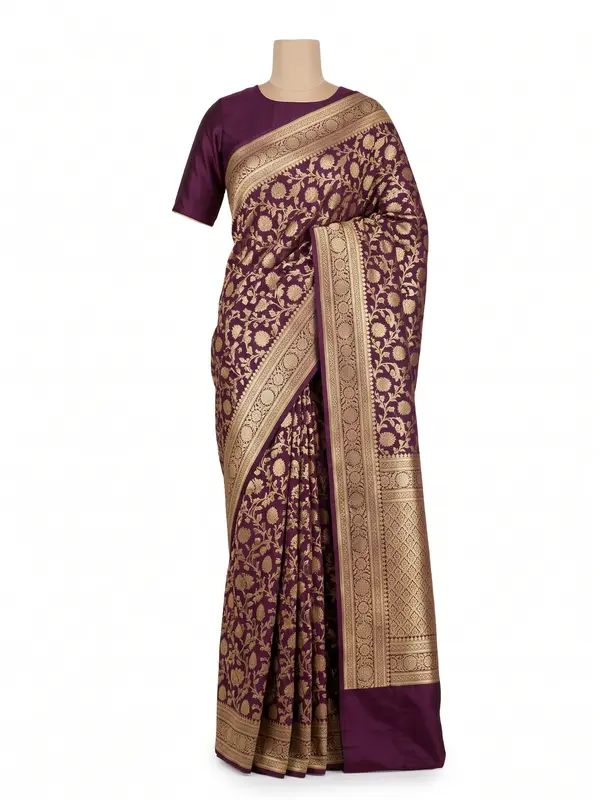
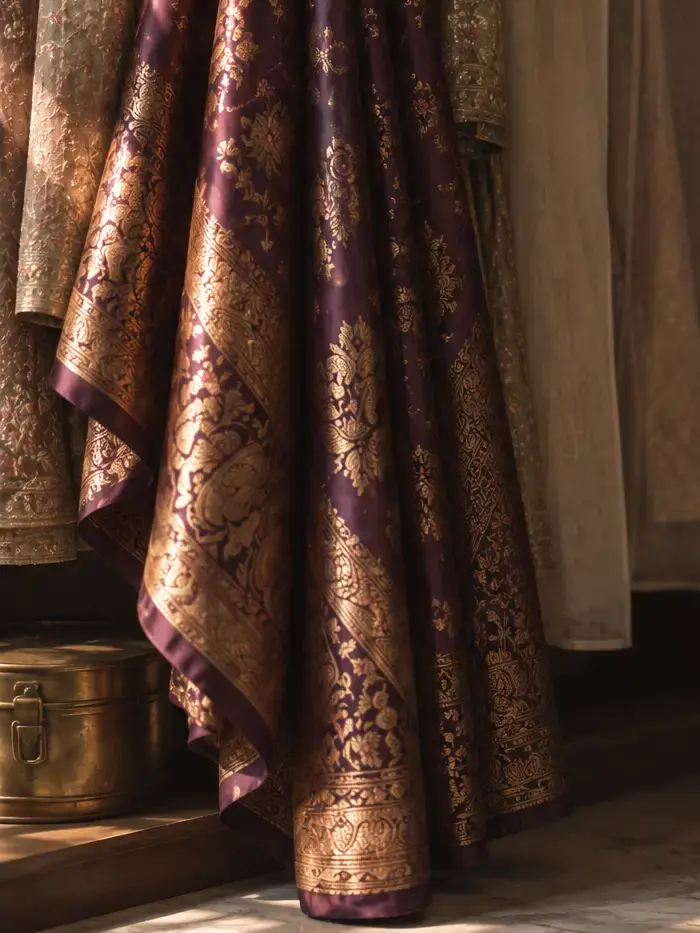 Banarasi sareeGot it — cleaning up the image and reading the details…✅ Added to your wardrobe
Aubergine Banarasi saree · silk, zari work · weddingjust now
Step by step
Five simple steps, most of them automatic.
Photograph an item
Lay a garment out or hang it up and take a photo on your phone. No special lighting or setup needed.
Send it your way
Forward the photo to Designer Drawer over WhatsApp. It's the messenger already on your phone — nothing new to install.
It gets catalogued automatically
The original is stored, a clean product-style image is generated, and the garment type, fabric, colour, and occasion are read automatically.
Review or edit the details
Everything is editable. Confirm the details, and link the matching pieces sent together — the blouse to the saree, the dupatta to the lehenga.
Find it and share it, anytime
Search your whole wardrobe by colour, category, brand, or fabric — from your phone or computer. Share select items with a link when you need a second opinion.
The result
A wardrobe you can actually search.
Every garment you send becomes a clean, consistent record. Browse the whole collection, search it, and open any piece to see its details and matching set.
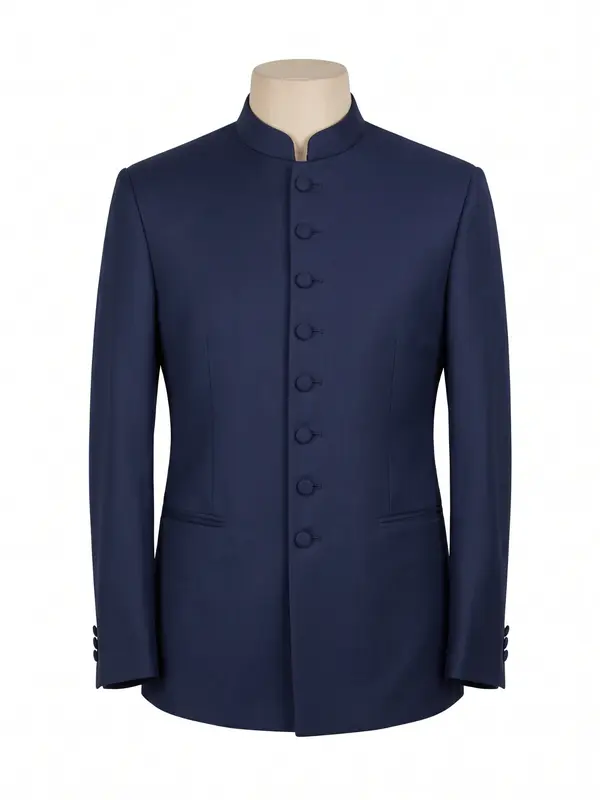
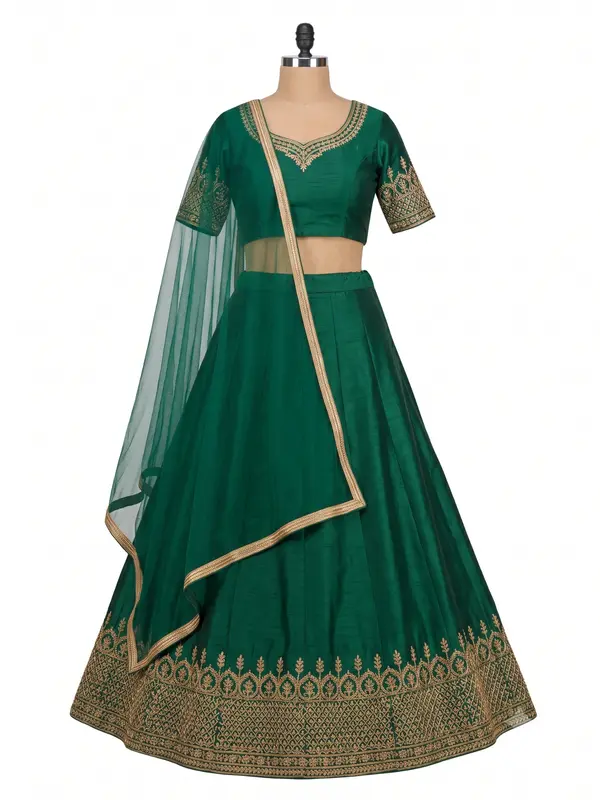
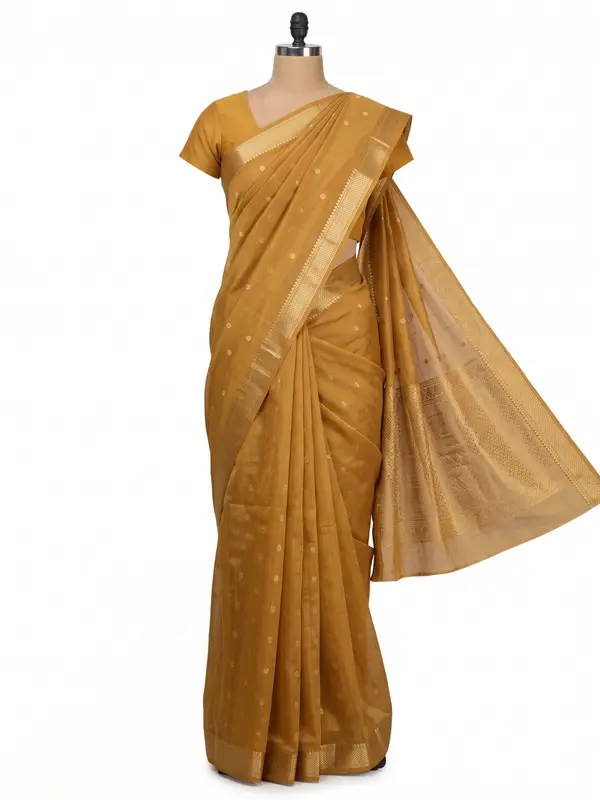
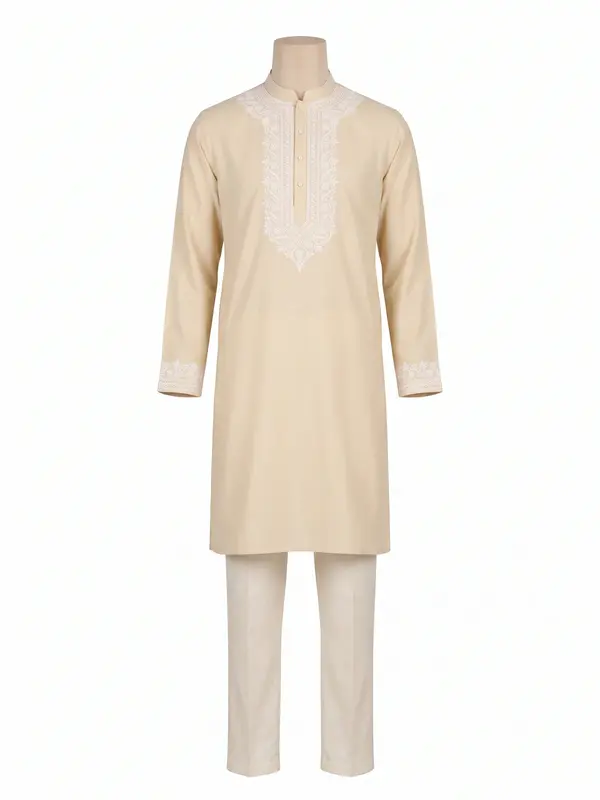
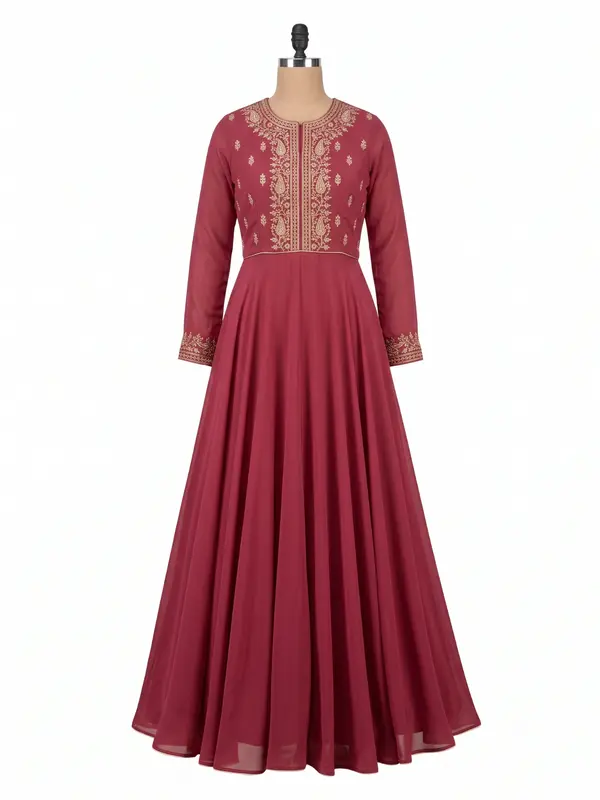 Emerald lehenga setlehenga · green
Sharing
Send the outfit, not the screenshot.
Generate a link to any single item and send it to a friend, stylist, or tailor. No account needed to view it.
Creates a public link to this item only. No account, no other pieces.
Thoughts on this for Karan’s sangeet?app.designerdrawer.com/s/9k2p…
The waitlist is open
Try it with your next outfit.
Join the waitlist and start cataloguing your wardrobe over WhatsApp.
Free during early access. Private by default.